

Connect a provider
Open Integrations
In the Chainloop web UI, go to Integrations. Under the source-control integrations you’ll find GitHub and GitLab.
Click Connect
Click Connect on the provider you use. You’ll be redirected to the provider to authorize access and choose which repositories Chainloop can see.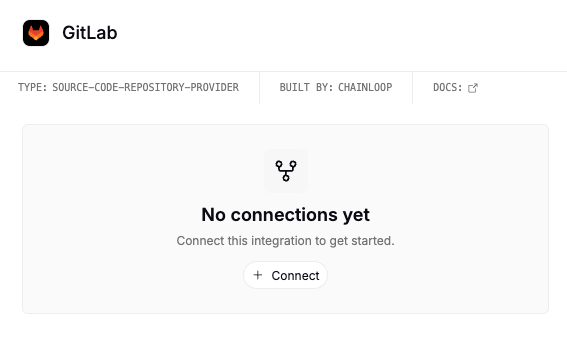
- GitHub
- GitLab
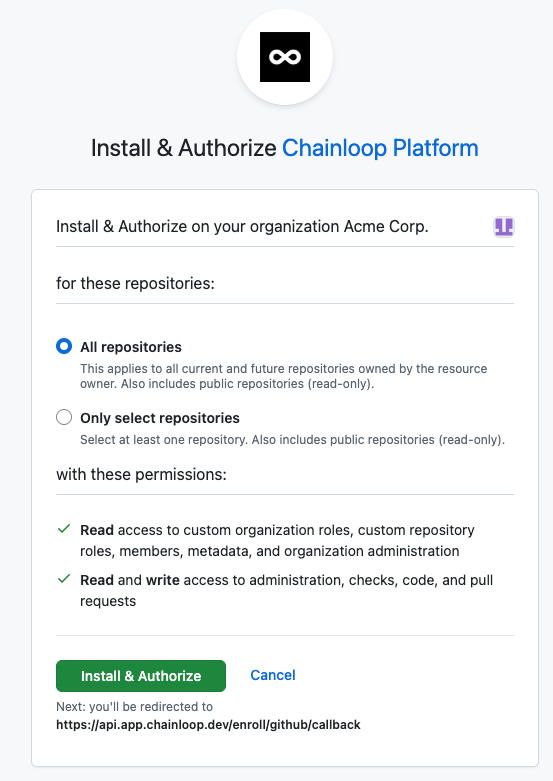
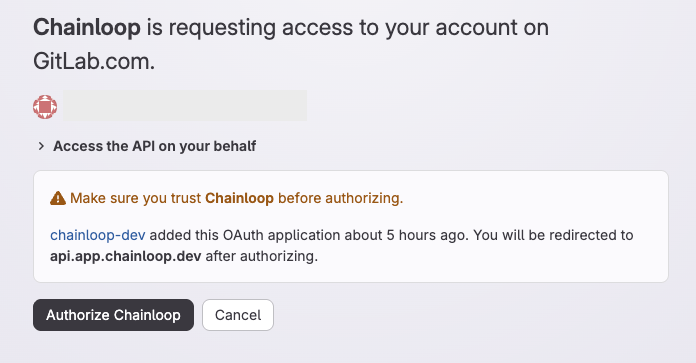
Chainloop stores only repository metadata (ID and name), not your repository code.
Adjusting repository access
To add or remove the repositories Chainloop can see, use the provider’s app or authorization settings rather than reconnecting from Chainloop:- GitHub: open the Chainloop GitHub App configuration for your account or organization and update the repository selection.
- GitLab: open the authorized application settings for the Chainloop OAuth application and update the granted scope.
Reconnecting
If a connection breaks — for example, the GitHub App is uninstalled or the GitLab authorization is revoked — managed workflows and other repository features are paused for the affected repositories until you reconnect. To restore access, go to Integrations, click Connect on the affected provider, and re-grant repository access.Next: Create a project. See also the GitHub permissions reference for the exact scopes the Chainloop GitHub App requests.